
Seedance 2.0 and 2.5 on DramaCanvas: Video Specs, Prompt Guide, and Canvas Workflow

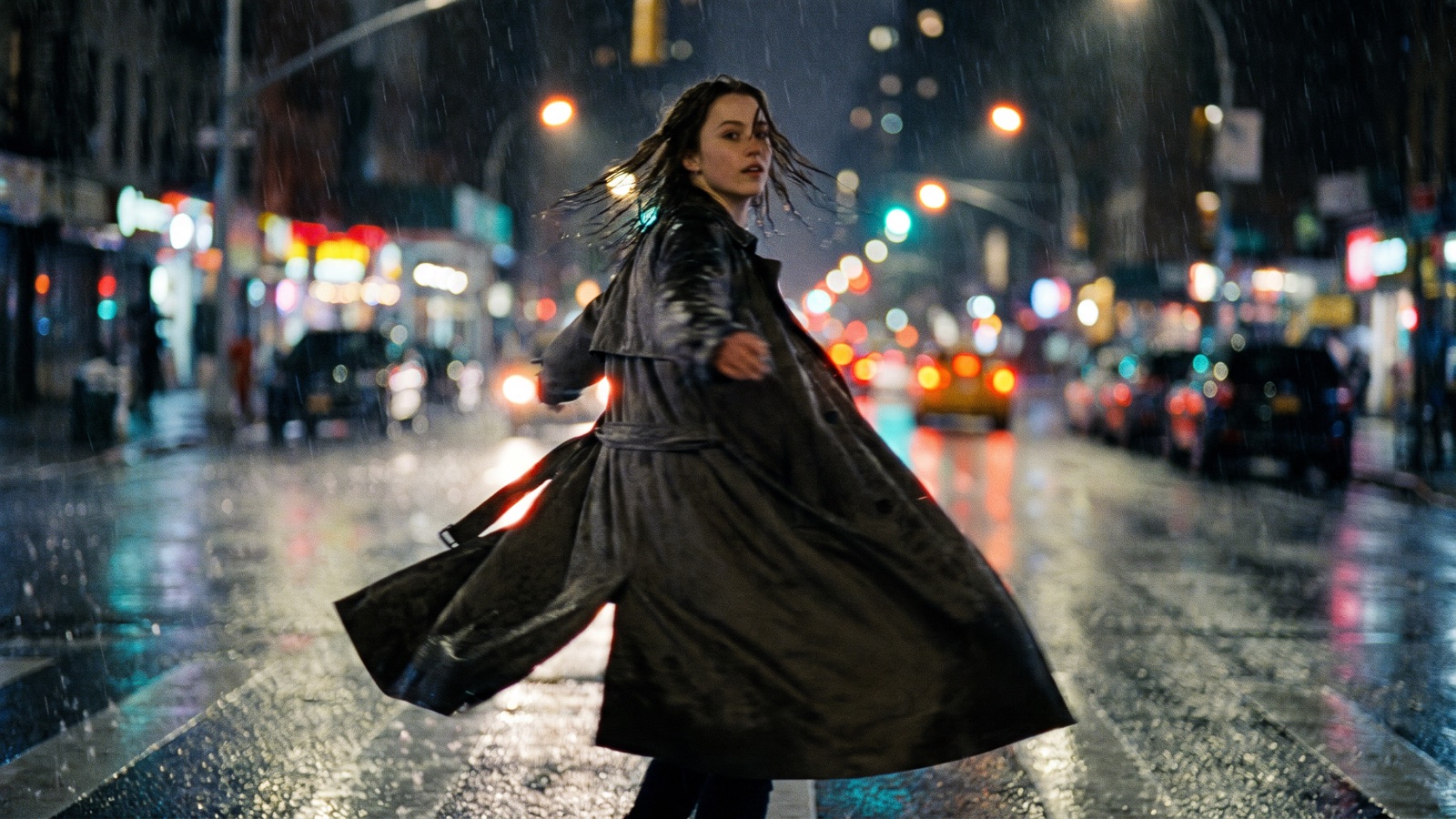
ByteDance's Seedance 2.0 and 2.5 video generation models support text-to-video, image-to-video, and synchronized audio generation. In DramaCanvas, you can select Seedance 2.0, Seedance 2.0 Fast, or Seedance 2.5 directly within Video nodes, connect up to 9 reference images, and add up to 10 reference videos for Seedance 2.5 at 1080p. Covering specification limits, duration rules, prompt phrasing, and canvas workflows, this guide explains how to configure each model.
What are Seedance 2.0 and 2.5, and what makes them different?
ByteDance developed the Seedance video generation model family, hosted officially on the [ByteDance Seed](https://seed.bytedance.com) platform, with official details published on the [Seedance 2.5 Model Hub](https://seed.bytedance.com/en/seedance2_5) and the [Seedance 2.5 Announcement](https://seed.bytedance.com/en/blog/one-take-creation-flexible-referencing-introducing-seedance-2-5).
According to ByteDance's official documentation, Seedance supports text-to-video and reference-based generation alongside synchronized audio synthesis. In its Seedance 2.5 release materials, ByteDance highlighted capabilities for reference-video inputs, camera-motion editing, and multimodal reference workflows.
In DramaCanvas, Seedance 2.0, Seedance 2.0 Fast, and Seedance 2.5 are integrated directly into Video nodes. You can select them inside your workspace, wire reference stills from upstream Image nodes into Video nodes, and render complete short drama shots on an infinite canvas.
What are the technical specifications for Seedance in DramaCanvas?
When configuring a Video node in DramaCanvas, the settings panel exposes options based on what the underlying model supports.
The table below outlines the core parameters, input limits, and audio capabilities for Seedance models in DramaCanvas:
| Specification | Seedance 2.0 | Seedance 2.0 Fast | Seedance 2.5 | Creator Note |
|---|---|---|---|---|
| Supported Resolutions | 480p, 720p, 1080p | 480p, 720p | 480p, 720p, 1080p | Seedance 2.0 Fast supports up to 720p; Seedance 2.0 and 2.5 support up to 1080p. |
| Aspect Ratios | 16:9, 9:16, 1:1, 4:3, 3:4, 21:9 | 16:9, 9:16, 1:1, 4:3, 3:4, 21:9 | 16:9, 9:16, 1:1, 4:3, 3:4, 21:9 | Use 9:16 for vertical mobile video. |
| Generation Duration | 4–15 seconds | 4–15 seconds | 4–30 seconds | Set duration in Parameters; 5 to 6 seconds offers a standard shot length. |
| Reference Images | Up to 9 images | Up to 9 images | Up to 9 images | Max 30 MB per file; accepts portrait, wardrobe, and environment stills. |
| Reference Videos | Not supported | Not supported | 1080p accepts up to 10 reference videos | Only Seedance 2.5 at 1080p accepts reference videos. |
| Synchronized Audio | Supported | Supported | Supported | Turn on ‘Generate audio’ in the Video node settings when it is shown. |
| Start frame | Supported | Supported | Supported | Pick a connected image under ‘Start frame’ for image-to-video. |
How should you choose between Seedance 2.0, 2.0 Fast, and 2.5?
Select a model version based on your required shot duration, whether you need reference video inputs, and your target resolution.
The table below outlines how specifications differ across versions:
| Model Version | Supported Resolutions | Duration Range | Reference Media Inputs | When to Select |
|---|---|---|---|---|
| Seedance 2.0 | 480p, 720p, 1080p | 4–15 seconds | Up to 9 reference images; no reference video | Shots up to 15 seconds that require up to 1080p resolution with text or reference images only. |
| Seedance 2.0 Fast | 480p, 720p | 4–15 seconds | Up to 9 reference images; no reference video | Shots up to 15 seconds where 480p or 720p resolution is sufficient with text or reference images only. |
| Seedance 2.5 | 480p, 720p, 1080p | 4–30 seconds | Up to 9 reference images; accepts up to 10 reference videos at 1080p | Shots requiring durations between 16 and 30 seconds, or workflows that require reference video inputs at 1080p. |
Practical selection rules:
- Shot duration between 4 and 15 seconds: All three models qualify. If you need 1080p resolution, choose Seedance 2.0 or Seedance 2.5. If 480p or 720p is sufficient, Seedance 2.0 Fast provides a dedicated lower-resolution tier. - Shot duration between 16 and 30 seconds: Choose Seedance 2.5, which supports generations up to 30 seconds. - Reference video workflow: Choose Seedance 2.5 and set the resolution to 1080p, where up to 10 reference videos can be connected. Seedance 2.0 and Seedance 2.0 Fast do not support reference videos.
How do you generate a Seedance video on the infinite canvas?
DramaCanvas lets you build video sequences visually by linking nodes together. Here is the step-by-step workflow to generate your first Seedance video:
Create an Image node for your reference photo
Click "Add node" on the bottom toolbar, navigate to "Creative nodes", and select "Image". Upload your own photo or character still, or enter a prompt to generate an establishing portrait.
Add and connect a Video node
Click "Add node" on the bottom toolbar and choose "Video" under "Creative nodes". Click and drag a wire from the right output anchor of your Image node to the left input anchor of your Video node.
Configure model parameters
Select the Video node to open its composer. In the model dropdown, choose
Seedance 2.0,Seedance 2.0 Fast, orSeedance 2.5. Open "Video settings" to select9:16under "Aspect ratio", choose1080p(or720pfor Fast), set "Duration" to5seconds, and turn on "Generate audio". Under "Parameters", pick your connected image in "Start frame".Enter your motion prompt and submit
Type your camera and action description into the text area. Click the upward arrow submission button at the bottom-right of the prompt panel to start generation.
Review in the generation tasks panel: The "Current canvas generation tasks" panel appears in the upper-right corner, displaying progress, phase, and runtime. Once finished, the completed video clip renders directly inside the Video node on the canvas. To link multiple shots into a sequence, continue to our [[link:infinite-canvas-guide
infinite canvas beginner guide]].
How do you write prompts for Seedance 2.0 and 2.5?
Seedance responds best to clear physical staging, concrete camera terminology, and explicit sound cues. Rather than relying on abstract emotional phrases, describe physical movements, lighting sources, and audio elements that the model can interpret visually and acoustically.
Use this five-part formula to structure your Seedance prompts:
[Subject & Identity] + [Core Physical Action & Pacing] + [Camera Motion & Composition] + [Environment & Lighting Details] + [Synchronized Audio & Ambient Sound]The prompt templates below are organized by common vertical short drama requirements. Each prompt uses neutral "asks for" phrasing and specifies realistic physical details.
1. Vertical short drama dialogue shot (9:16)
Best for: Dramatic dialogue confrontations, close conversations, and two-person narrative moments in vertical format.
A vertical medium close-up of a female detective in a charcoal trench coat speaking firmly to an unseen suspect across a table. The shot asks for steady eye contact, natural mouth movement articulating serious dialogue, subtle eyebrow shifts, and slight head nods on key phrases. Soft overhead fluorescent office lighting, dim Venetian blinds casting horizontal shadows on the back wall. Clean synchronized dialogue audio with faint background hum of office air conditioning.Variations to try: Swap female detective in a charcoal trench coat for young corporate heir in a tailored navy suit, or change fluorescent office lighting to warm amber streetlamp glow through a rainy window.
2. Multi-image reference for character consistency
Best for: Supplying reference stills for character features, wardrobe, and hairstyle using an uploaded photo or keyframe.
Use the connected photo as the face reference and keep the same face. Medium shot of the character shown in the connected reference photo, wearing a dark teal wool sweater and silver frame glasses. The character turns slowly from looking out a rain-streaked cafe window toward the camera, placing a ceramic coffee mug onto a dark wooden table. Soft window sidelight, subtle reflections on the tabletop, steady 9:16 framing. The shot asks for a synchronized gentle clink of the ceramic cup on wood and steady patter of rain outside.Variations to try: Swap dark teal wool sweater for black leather biker jacket, or replace rain-streaked cafe window with a cluttered bookstore aisle with warm shelf lighting.
3. Martial arts action sequence
Best for: Choreographed martial arts movements with explicit footwork and defensive blocks.
A wide vertical action shot of a martial artist in loose black linen trousers dodging a swift wooden staff strike in an abandoned warehouse. The shot asks for the subject to duck under the horizontal sweep, pivot on one heel, and extend a forward palm strike. The shot asks for a steady camera tracking back slightly to keep full body in frame, with dust lifting from the concrete floor underfoot. Synchronized whoosh of the staff cutting through air, followed by a heavy footstep landing on gravel.Variations to try: Swap abandoned warehouse for bamboo forest clearing with misty ground fog, or change wooden staff strike to close-quarters hand-to-hand deflection.
4. Tactical foot chase and camera tracking
Best for: Suspenseful outdoor pursuits, running shots through urban alleys, and dynamic forward tracking.
A vertical tracking shot moving backward ahead of a male protagonist running down a narrow cobblestone alley at dusk. The subject glances over his shoulder once, leaps over a wooden pallet, and continues sprinting forward with determined facial expression. Cold cyan evening sky overhead, warm neon shop signs casting red and yellow reflections on wet cobblestones. The shot asks for the camera to match the runner's speed while keeping the face in focus. Synchronized sound of rapid heavy boots splashing through shallow puddles and ragged breathing.Variations to try: Swap narrow cobblestone alley for crowded night market corridor, or change male protagonist running down a narrow cobblestone alley to courier on a bicycle weaving through obstacles.
5. Environmental scene with synchronized ambient audio
Best for: Establishing shots, mood transitions, and atmospheric world-building clips where sound design sets the tone.
A low-angle static vertical shot of an empty crosswalk in a quiet residential neighborhood during a sudden summer downpour. Raindrops splash into asphalt puddles, with distant headlights reflecting across the wet pavement surface as a solitary car passes in the background. Dim streetlamp casting a circular pool of warm light on the glistening road. Synchronized sound of heavy raindrops drumming on metal awnings and water rushing into a storm drain.Variations to try: Swap summer downpour for late autumn wind gust scattering dry golden leaves, or replace empty crosswalk with a solitary red telephone booth at twilight.
6. Character speech with synchronized vocal cadence
Best for: Direct-to-camera monologues, confessions, and phone call reaction shots where lip movement and vocal delivery must sync.
A tight vertical close-up of a young man holding an antique brass pocket watch, speaking an earnest emotional apology directly toward the viewer. The shot asks for natural lip movement matching spoken phrases, subtle blinking, and a soft swallowing motion between sentences. Warm single-source key light from the left side, dark shadowy background emphasizing facial expressions. Synchronized clear vocal speech cadence with subtle ticking of the pocket watch.Variations to try: Swap young man holding an antique brass pocket watch for elderly woman wearing a knitted scarf, or change the key light to flickering fireplace glow creating warm dancing shadows.
7. Atmospheric product reveal with tactile foley
Best for: Commercial cutaways, luxury item highlights, and short drama prop introductions with physical sound effects.
A slow macro vertical push-in on an amber glass perfume bottle resting on a slab of dark volcanic rock. A hand with manicured nails enters the frame, lifts the metallic cap, and sets it down beside the bottle. Sharp directional rim light catching the faceted glass edges and fine perfume mist floating in the air. Synchronized metallic click of the cap unfastening, followed by a soft tap on the stone surface.Variations to try: Swap amber glass perfume bottle for a mechanical wristwatch on leather strap, or change dark volcanic rock to a frosted glass surface with gentle backlighting.
8. Spooky and playful Halloween short clip
Best for: Festive social clips, seasonal short drama interludes, and holiday promotional teasers.
A medium vertical shot of a carved jack-o'-lantern sitting on a weathered wooden porch step at twilight. A black kitten wearing tiny felt bat wings sneaks from behind the pumpkin, taps the carved pumpkin nose with one paw, and scrambles back curiously as the internal candle flame flares. Warm orange candlelight glowing through carved eyes and mouth, purple dusk sky in the background. Synchronized soft rustle of autumn leaves, kitten meow, and faint crackle of candle flame.Variations to try: Swap black kitten wearing tiny felt bat wings for a golden retriever puppy wearing a tiny wizard hat, or check our Halloween AI prompts guide for more holiday costume and poster concepts.
How do weak prompts compare to detailed prompts for Seedance?
Seedance models interpret prompts literally. Vague buzzwords leave composition and movement to chance, whereas concrete physical descriptions provide the model with actionable visual anchors.
The table below contrasts generic prompts with specific prompts across typical video use cases:
| Scene Type | Generic Prompt Phrasing | Specific Recommended Prompt | What the Specific Prompt Gives the Model |
|---|---|---|---|
| Drama Dialogue | "Intense dramatic conversation between two people in high quality 4K movie style." | "Medium close-up vertical shot of two business rivals facing each other across a boardroom table. The shot asks for subtle facial tension, natural speech mouth movement, steady eye contact, and sharp side lighting." | Specifies camera framing (medium close-up), exact subject positions (boardroom table), concrete facial actions (mouth movement, eye contact), and lighting direction. |
| Action Combat | "Epic kung fu martial arts fight scene with cool kicks and crazy explosions." | "A wide vertical tracking shot of a martial artist executing a balanced low sweep kick against an opponent on a dusty gym mat. The shot asks for continuous limb tracking, controlled camera elevation, and synchronized foot friction sound." | Replaces abstract hype with clear mechanical choreography (low sweep kick), floor surface (dusty gym mat), camera movement (tracking shot), and specific audio cues. |
| Ambient Rainy Scene | "Very sad rainy street at night super realistic visual." | "Static low-angle 9:16 shot of raindrops falling into asphalt puddles under a warm streetlamp, with ripples spreading outward and synchronized sound of water drumming on corrugated metal." | Replaces emotional adjectives with camera angle (low-angle), exact physics (ripples spreading in puddles), light source (streetlamp), and concrete foley sounds. |
| Halloween Seasonal Clip | "Scary Halloween horror movie clip spooky ghost monster." | "Eye-level vertical shot of a person in a white linen ghost sheet holding a carved glowing jack-o'-lantern, peering playfully around a dark brick doorway with warm orange rim light and synchronized creaking floorboards." | Replaces vague horror tropes with exact wardrobe material (white linen sheet), prop (glowing jack-o'-lantern), spatial framing (brick doorway), and tangible sound design. |
What are the limitations of Seedance, and when should you switch models?
Turnaround time depends on the duration and resolution you pick, and progress appears in the generation tasks panel in the upper right of the screen. Results vary from run to run: final visual results depend on prompt instructions and chosen parameter settings; test single draft shots before running larger batches.
While Seedance 2.0 and 2.5 provide practical support for multi-reference stills, physical motion staging, and synchronized audio, other models are better suited for specific workflows:
- Complex multi-shot cuts within a single prompt: For a sequence with prescribed camera cuts, generate the shots separately and assemble them. When you need a single prompt to automatically generate an entire scene sequence with multiple camera angles (e.g., establishing wide shot to over-the-shoulder to close-up), switch to Kling 3.0. - Expression-heavy or changing-light scenes: For expression-heavy or changing-light scenes, compare the available models using the same prompt and references. - Multi-person continuous stunts: When scenes involve multiple individuals in rapid acrobatic movement, limbs may blur or lose clarity. In these cases, break the stunt into two-person interactions and keep shot durations around 4 or 5 seconds.
Frequently asked questions
Can Seedance 2.0 and 2.5 generate synchronized audio and dialogue?
Yes. Both Seedance 2.0 and Seedance 2.5 support synchronized audio generation when you toggle on "Generate audio" in Video settings. The model synthesizes environmental sounds and spoken cadences aligned with on-screen movement.
Does Seedance 2.0 Fast support 1080p?
No. Seedance 2.0 Fast supports 480p and 720p resolution. If you need 1080p resolution, choose `Seedance 2.0` or `Seedance 2.5` in the model selector.
How many reference images and reference videos can I connect to a video node?
Seedance 2.0 and 2.0 Fast accept up to 9 reference images (max 30 MB each) and do not support reference video. Seedance 2.5 accepts up to 9 reference images and up to 10 reference videos at 1080p resolution.
How do I maintain character details across consecutive shots?
Connect 2 to 3 reference images showing face, profile, and wardrobe from an upstream Image node, select a keyframe under "Start frame", and specify wardrobe materials in your prompt (such as "dark teal wool sweater and silver frame glasses").
What should I do if an action scene shows anatomical warping?
Break complex stunts into isolated movements rather than requesting multiple acrobatic moves in one prompt. Keep shot durations around 4 or 5 seconds, and provide a clear Start frame image to anchor the initial pose. Start by rendering a character keyframe on an Image node, then wire it to a Video node configured with Seedance 2.0 Fast to test camera motion. Once the movement timing looks right, switch to Seedance 2.0 or 2.5 at 1080p and enable synchronized audio for your final cut. **Next step:** Click "Add node" on the bottom toolbar, select "Video" under "Creative nodes", and choose `Seedance 2.0` or `Seedance 2.5` to generate your first vertical short drama shot. Official model documentation is available at [ByteDance Seed](https://seed.bytedance.com), the [Seedance 2.5 Model Hub](https://seed.bytedance.com/en/seedance2_5), and the [Seedance 2.5 Announcement](https://seed.bytedance.com/en/blog/one-take-creation-flexible-referencing-introducing-seedance-2-5).