How to Use Kling AI in 2026: Kling 3.0 vs O3 vs Kling 4 vs Turbo (Prompts and Pricing)

Kling currently has four versions you'll see most: Kling 3.0, Kling O3, Kling 4 and Kling 3.0 Turbo. They differ in maximum length, resolution, whether they take start and end frames, and how many reference images they accept, and prices range from 7 to 22 credits per second. Below, a table shows which to pick, a step-by-step guide gets your first Kling video made on the DramaCanvas canvas, and 6 prompts are ready to copy.
Kling is a video model made by Kuaishou. DramaCanvas connects to Kling through its API and is not an official Kling product. New to the canvas? Start with the infinite canvas guide.
What's the difference between Kling 3.0, O3, Kling 4 and Turbo?
The big differences are length, start and end frames, and reference images. The table shows DramaCanvas's live settings and prices on 2026-10-29:
| Version | Length | Resolution and credits per second | Aspect ratios | Image input | Best for |
|---|---|---|---|---|---|
| Kling 4 | 3–30 s | 720p 7 credits; 1080p 12 credits | 16:9, 9:16, 1:1, 21:9 | Up to 10 reference images | Long shots, several references, keeping costs down |
| Kling 3.0 | 3–15 s | 720p 8 credits (12 with sound); 1080p 16 credits | 16:9, 9:16, 1:1 | Start + end frame | Start-to-end transitions, generated sound |
| Kling O3 | 3–15 s | 720p 12 credits; 1080p 17 credits | 16:9, 9:16, 1:1 | Start + end frame | Start-to-end transitions with a different look to compare |
| Kling 3.0 Turbo | 3–15 s | 720p 11 credits; 1080p 22 credits | 16:9, 9:16, 1:1 | Start frame only | Animating a single image |
Pricing is per second. For example, 5 seconds of Kling 4 at 720p is 5 × 7 = 35 credits, and 10 seconds of Kling 3.0 at 1080p is 10 × 16 = 160 credits.
How do you make your first Kling video on DramaCanvas?
Add a video node, choose a Kling model, set the options, write a prompt and generate.
Step 1: Add a video node and choose Kling
Click Add node in the toolbar at the bottom of the canvas and choose Video. In the model picker under the node, find Kling and pick a version. For a first try, choose Kling 4.
Step 2: Set the resolution, aspect ratio and length
Click the settings summary under the input box (it reads something like "720P · 16:9 · 5s") to open the video settings. Set Resolution to 720P to start, pick the aspect ratio under Size (9:16 for vertical short video, 16:9 for landscape), and set Seconds to 3–5. With Kling 3.0, you can also turn on Generate audio here.
Step 3 (optional): Connect images as start or end frames
To animate an image, add it to the canvas, drag a line from the connection point on the right of the image node to the video node. Expand Parameters in the input box and choose the image under Start frame. With Kling 3.0 or Kling O3, connect a second image and choose it as the End frame so the shot moves from one to the other. Kling 3.0 Turbo uses a start frame only, so leave End frame as Not specified. With Kling 4, you can connect up to 10 images as references.
Step 4: Write the prompt, check the credits, generate
Paste one of the prompts below into the input box and adapt it. The generate button shows how many credits this run will cost; check it, then click. When it's done, select the video node and click Download in its toolbar to save it.
6 copy-ready Kling prompts
Kling prompts work best as subject + action + camera + light and mood. Keep to one main action and one camera move per prompt.
01 · Product shot (Kling 4, 9:16, 5 s)
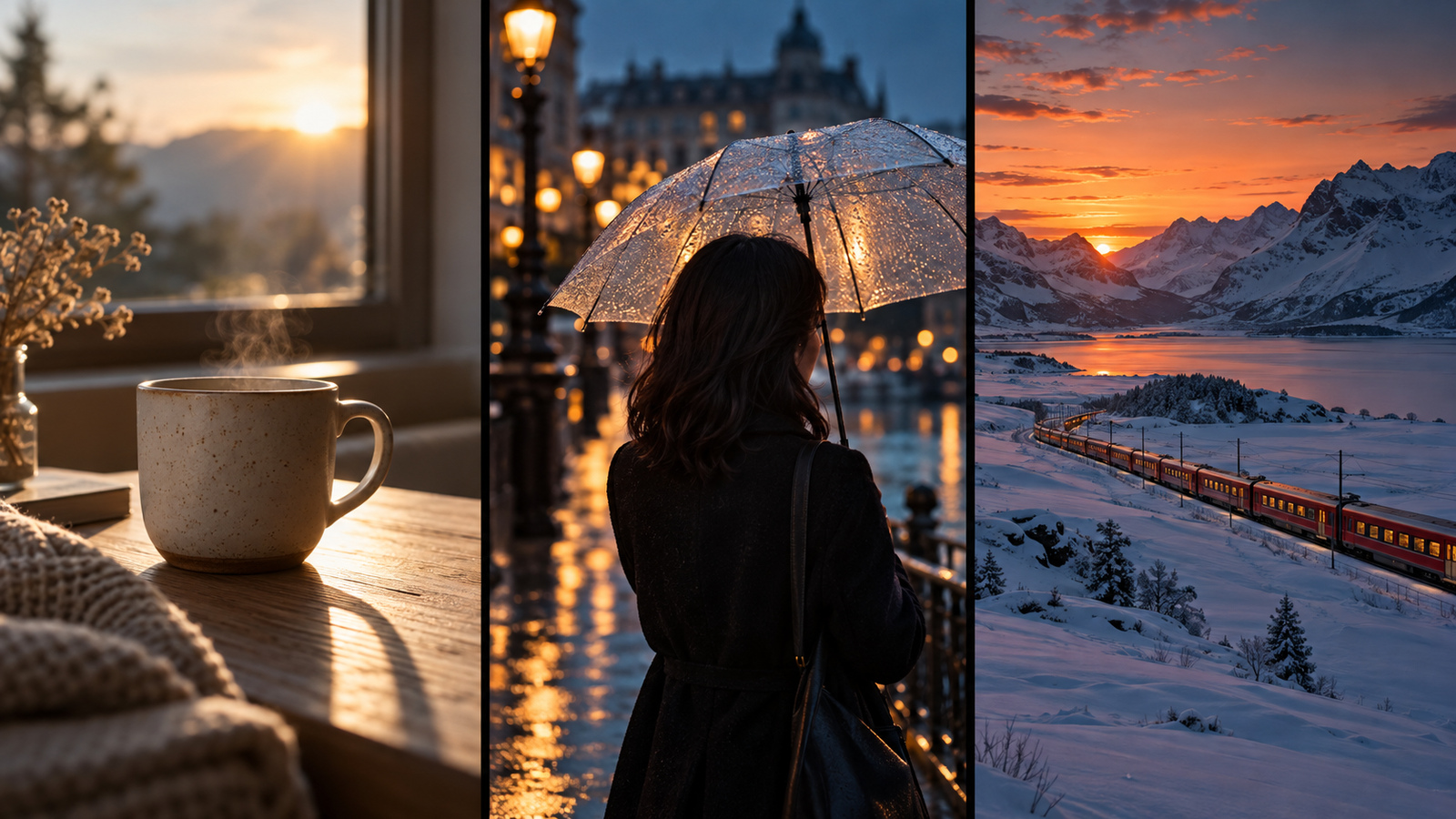
A matte ceramic mug on a light wooden table, morning light coming through a window on the left. The camera pushes in slowly while the mug stays still and the light and shadows drift across the table. Clean frame, no text or logos.02 · Emotional close-up (Kling 3.0, 9:16, 5 s)
A young woman stands under a bus shelter on a rainy night, neon lights reflecting on the wet pavement. She looks up into the distance and her expression shifts from hesitant to determined. Locked-off chest-up close shot, blurred background, cool tones.03 · Start-to-end frame transition (Kling 3.0 or Kling O3, 16:9, 5 s)
Connect two images first: the start frame is a street corner by day, the end frame is the same corner at night.
The same street corner turns from day to night. Street lights and shop signs switch on one after another and the passers-by thin out. Locked-off camera, the buildings stay the same, only the light and sky change.04 · Bring an illustration to life (Kling 3.0 Turbo, 1:1, 5 s)
Connect the illustration to the video node and choose it as the start frame first.
Keep the illustration's original composition and style. A light breeze moves the character's hair and the hem of their clothes, and clouds drift slowly across the background. The camera does not move. Do not add new characters or objects.05 · Short-drama opening shot (Kling 4, 9:16, 15 s)
An old apartment corridor in the early morning. A man in a grey coat walks toward the camera from the far end, pulling a suitcase. The camera tracks backward slowly with him, past several closed doors, and stops as he raises his hand to knock. Natural light, realistic style, no subtitles.06 · Widescreen landscape (Kling 4, 21:9, 8 s)
A snowfield at winter dusk. A red train moves slowly from left to right in the distance, warm light glowing from its windows. The camera pans sideways with the train as the sky fades from orange to deep blue. Cinematic, widescreen composition.How do you write Kling prompts that behave?
One clear sentence about who, what they're doing and how the camera moves beats a pile of adjectives.
| Prompt | Problem | Result |
|---|---|---|
| "Ultra HD, cinematic, epic, stunning, beautiful city night video" | Only adjectives; no subject or action | Random results that are hard to repeat |
| "A rainy intersection at night, a taxi drives from right to left, locked-off camera, neon reflections on the road" | Subject, action and camera are all defined | More predictable, and you know what to change if it's off |
If a character's movement breaks down, make the action smaller and the clip shorter. If a start-to-end transition looks abrupt, check whether the two images differ too much in framing or angle.
How many credits does a Kling video cost?
Kling is charged per second; the cheapest option is Kling 4 at 720p, 7 credits per second. Prices below are live on 2026-10-29:
| Version and resolution | Per second | 5 s | 10 s |
|---|---|---|---|
| Kling 4 720p | 7 credits | 35 credits | 70 credits |
| Kling 4 1080p | 12 credits | 60 credits | 120 credits |
| Kling 3.0 720p | 8 credits | 40 credits | 80 credits |
| Kling 3.0 720p (with sound) | 12 credits | 60 credits | 120 credits |
| Kling 3.0 1080p | 16 credits | 80 credits | 160 credits |
| Kling O3 720p | 12 credits | 60 credits | 120 credits |
| Kling O3 1080p | 17 credits | 85 credits | 170 credits |
| Kling 3.0 Turbo 720p | 11 credits | 55 credits | 110 credits |
| Kling 3.0 Turbo 1080p | 22 credits | 110 credits | 220 credits |
Each retake is charged again. Before generating, go by the number shown on the button.
What are Kling's limits?
- Text in the frame isn't reliable: signs, subtitles and prices often come out wrong; add them in editing.
- Complex motion can break: fights, dance and close-ups of hands are best tested with short clips first.
- Very different start and end frames look abrupt: keep the angle and subject position of the two images close.
- Sound is only available on Kling 3.0: the other versions produce silent video; add music and voice in editing.
- Long clips aren't guaranteed in one go: Kling 4 goes up to 30 seconds, but the longer the shot, the more it can drift from the prompt. Splitting it into a few clips and joining them is often safer.
Frequently asked questions
Is Kling AI free?
On DramaCanvas, Kling is charged per second in credits; there are no separate free generations. New accounts get 25 credits, which covers one 3-second Kling 4 clip at 720p (21 credits). To try more, start with short Kling 4 720p clips, then move to other versions.
Which should I pick: Kling 3.0, O3, Kling 4 or Turbo?
Pick Kling 4 for long shots or several reference images: up to 30 seconds, up to 10 reference images, 7 credits per second at 720p. Pick Kling 3.0 or Kling O3 when you need start and end frames. Pick Kling 3.0 Turbo when you only need to animate one image and don't need an end frame.
Can Kling animate a single image?
Yes. Connect the image node to the video node, expand Parameters and choose it under Start frame. Kling 3.0 and Kling O3 also let you choose an End frame so the shot moves from the first image to the second. Kling 3.0 Turbo supports a start frame only.
Is DramaCanvas an official Kling product?
No. Kling is a video model made by Kuaishou. DramaCanvas connects to Kling through its API so you can use it on the same canvas as other image and video models.
For your first Kling video, choose Kling 4 at 720p for 5 seconds and run the product-shot prompt above. Once the look is right, go longer, switch to 1080p, or try Kling 3.0 for start and end frames.
Kling is a trademark of its respective owner.